A concept rebuild of the Andersen entry door experience
Your front door,
designed in five minutes.
Every option explained like a human would. A live picture of your exact door with every tap. No catalogs, no jargon, no guessing.
Real doors, rendered live as you build.
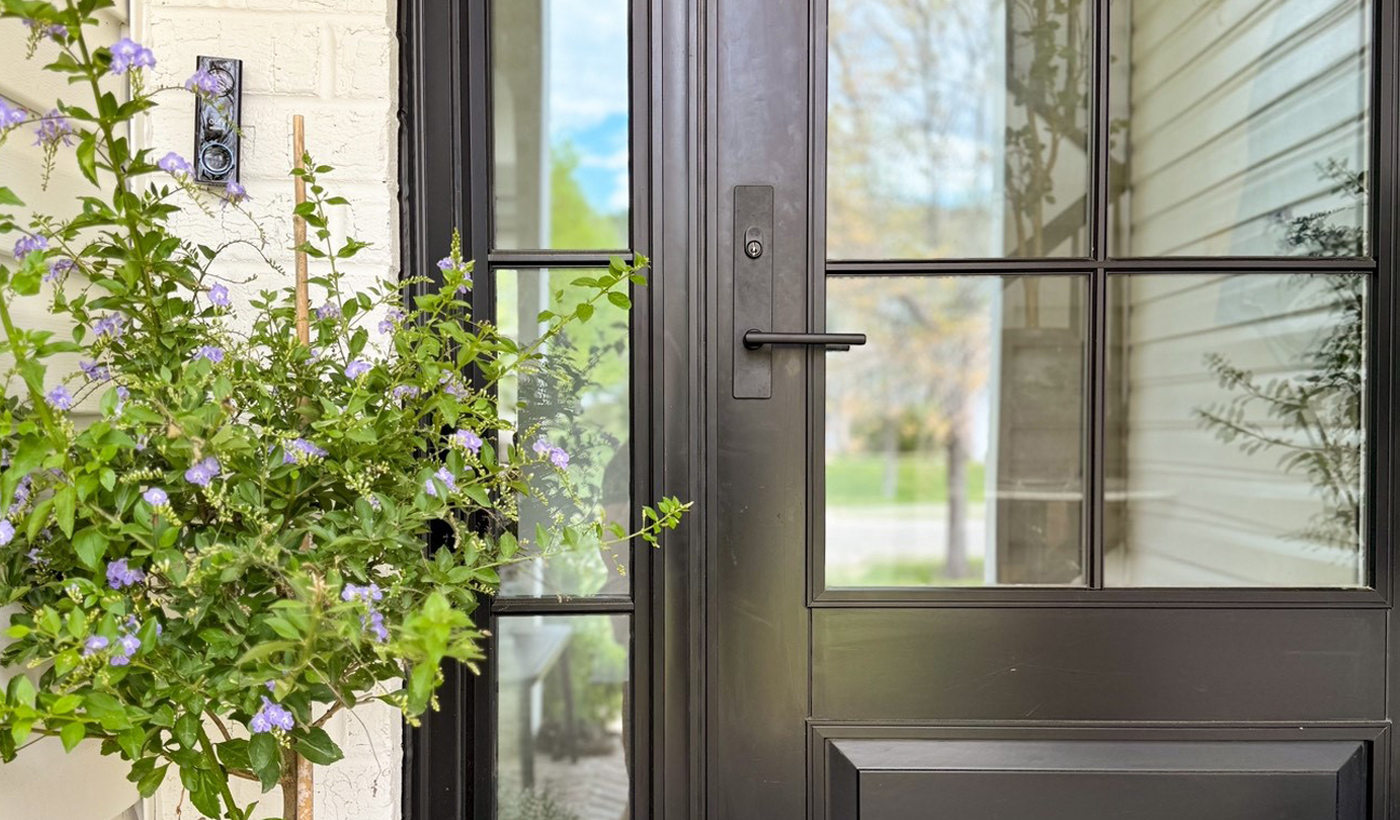
These previews come from Andersen's own product renderer, the same one behind today's tool. Same engine, completely different experience.
Built to fix the way doors are sold online.
67 → 4
Choices, organized
The current tool shows sixty-seven identical color circles in one wall. The same finishes, grouped into Popular, Paint, Wood, and Metal, each family explained in a sentence.
0 jargon
Every option, explained
Sidelites, grilles, Low-E4, Specified Equal Light: every term gets a plain-English answer right where you choose it. No more guessing what a Panel Style 102 is.
100%
Door always in view
Today's mobile flow makes you pick colors three screens away from the preview. Here the door is pinned on screen and repaints with every tap, on a phone or a laptop.
Six small decisions.
Then a quote you can sign.
Each step is pre-filled with the most popular choice, so pressing Next five times already builds a beautiful door. Finish, and an AI estimator prices the whole job, install included, ready to execute with a date on the calendar.
Start with step one →- 01
Style
Five silhouettes, explained in plain English
- 02
Layout
Single, double, sidelites, with real widths
- 03
Exterior
67 finishes, grouped so they make sense
- 04
Interior
Real wood or factory paint, rules handled for you
- 05
Details
Handles and glass panes, live on your door
- 06
Review
Both sides, one shareable link
- 07
Quote
AI-priced, executable, install date on the calendar